Free Instagram Blur Image Fixer
Got a blurry photo or a social media graphic that came out soft? This tool sharpens it up right in your browser - no uploading to a server, no waiting around, no account needed.
100% Client-Side Processing & Privacy
Everything happens on your device. The whole thing runs on local JavaScript and HTML5 canvas, so your image never leaves your computer. That means your photos stay private, and since nothing has to travel to a server and back, it's fast - you see changes the moment you make them.
Real Controls, Not Just a Magic Button
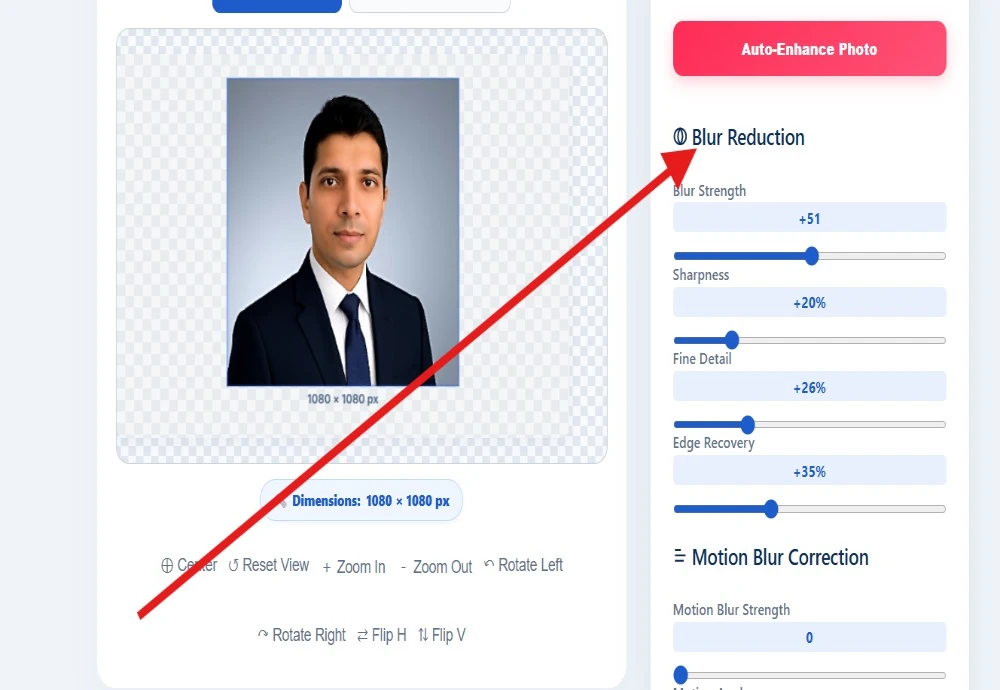
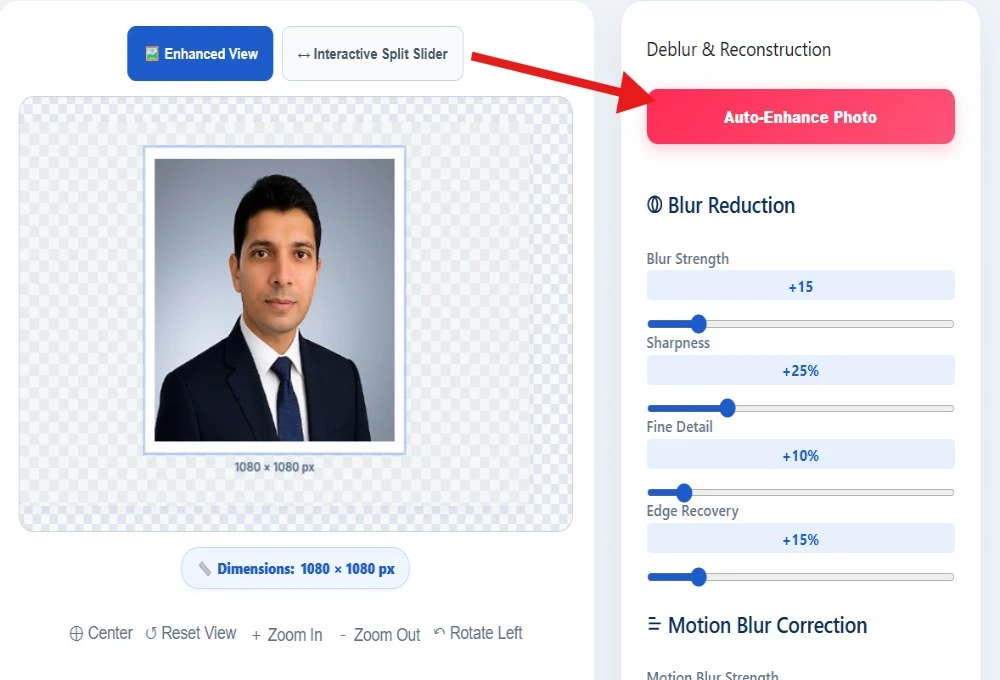
Drag the sliders for Blur Strength, Sharpness, Fine Detail, and Edge Recovery until the image looks right to your eye. Every adjustment updates live, so you can actually see what each one is doing instead of guessing.
Fixing Camera Shake & Motion Blur
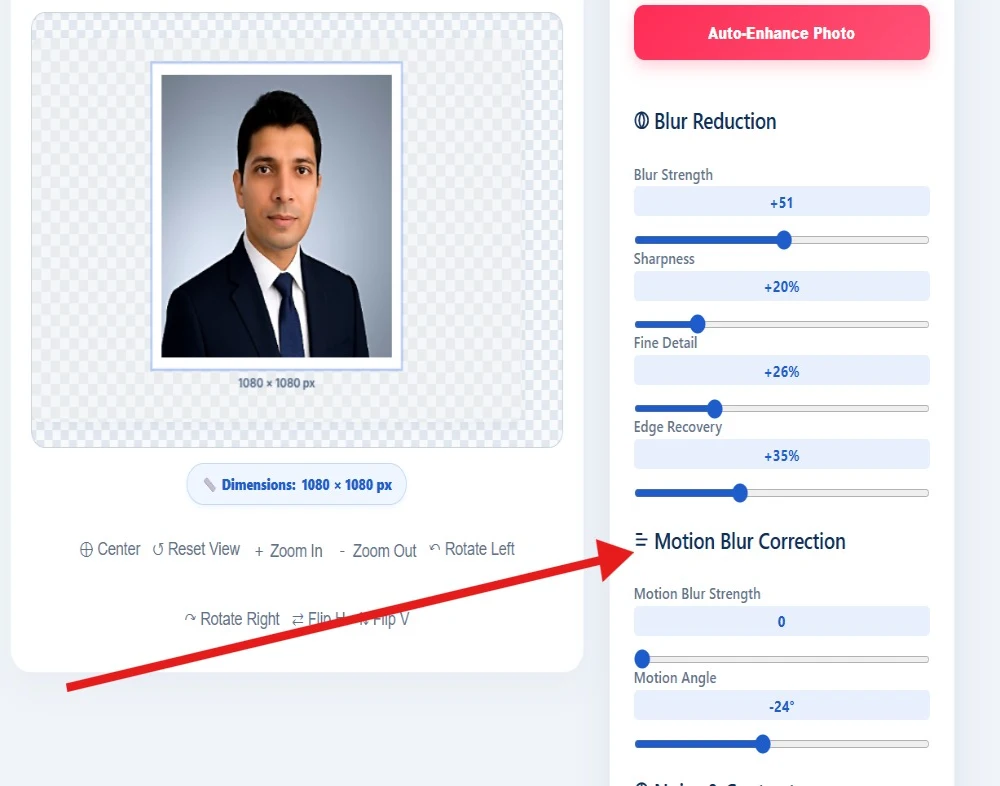
Fixing camera shake is its own thing. Motion blur - the kind you get from a shaky hand or a subject that moved - doesn't respond to normal sharpening the same way. There's a dedicated Motion Blur Strength control plus a Motion Angle setting, so you can match the correction to the direction the blur actually happened in.
Noise & Contrast, Dialed in Separately
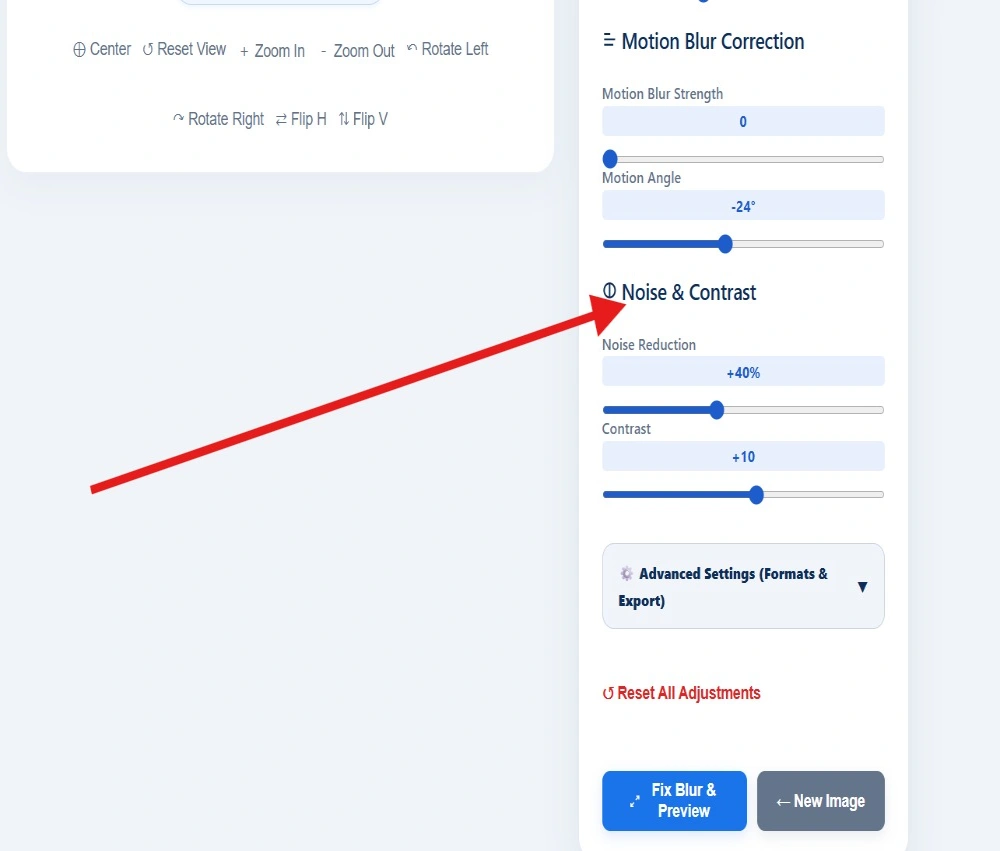
Clean up graininess without flattening the image, then push the contrast up a bit so the photo actually holds attention in a feed full of other posts.
Live Before & After Comparison
Compare before and after properly. Switch to the split-slider view and drag back and forth across the image to see the original and the fixed version side by side, in real time - not just a before/after screenshot, an actual live comparison.
Built-In Canvas Editing Tools
Basic canvas tools are all there too. Center, reset, zoom in and out, rotate left or right, flip horizontally or vertically - the stuff you'd expect from any decent image editor, just built in rather than bolted on.
One-Click AI Auto-Enhance
One-click Auto-Enhance, if you don't want to fiddle. It reads the blur pattern and noise level in your specific photo and sets the sliders to what it estimates is the best starting point. You can still tweak from there - it's a starting point, not a final answer.
Multi-Format Export Options
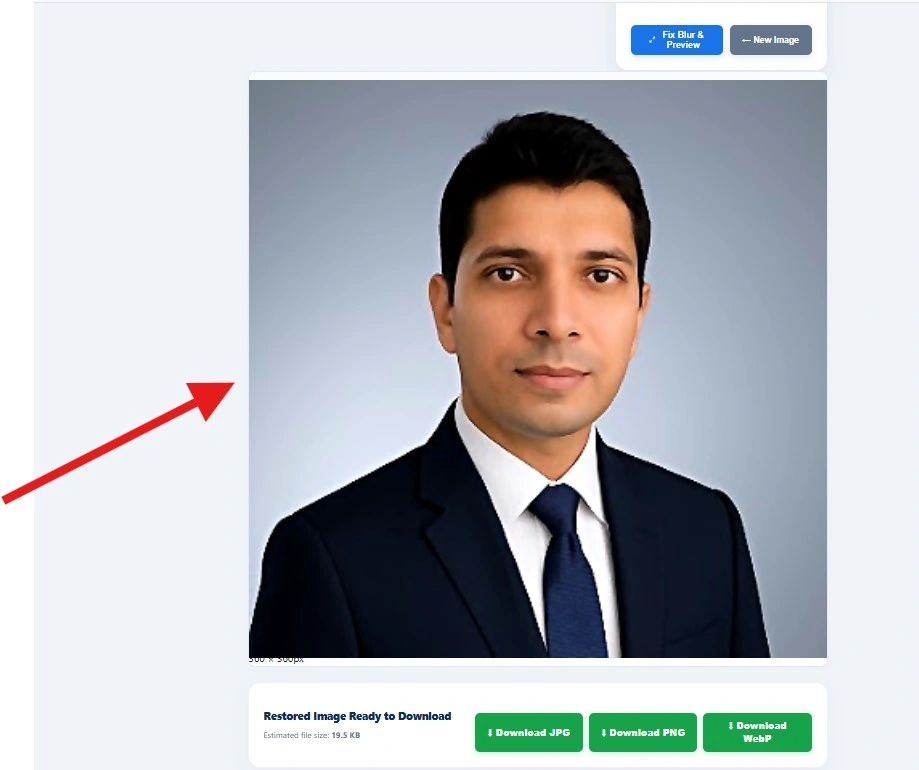
Export in whatever format you need. JPG, PNG, or WebP, with an estimated file size shown before you commit, so there's no surprise when you go to download.